PDF desk
Read, search, mark up, reorder, split, merge, optimise with a visual check.
 Cadri Commander
Ten things
Download free
Cadri Commander
Ten things
Download freeFree file manager for Windows · 0.6.0
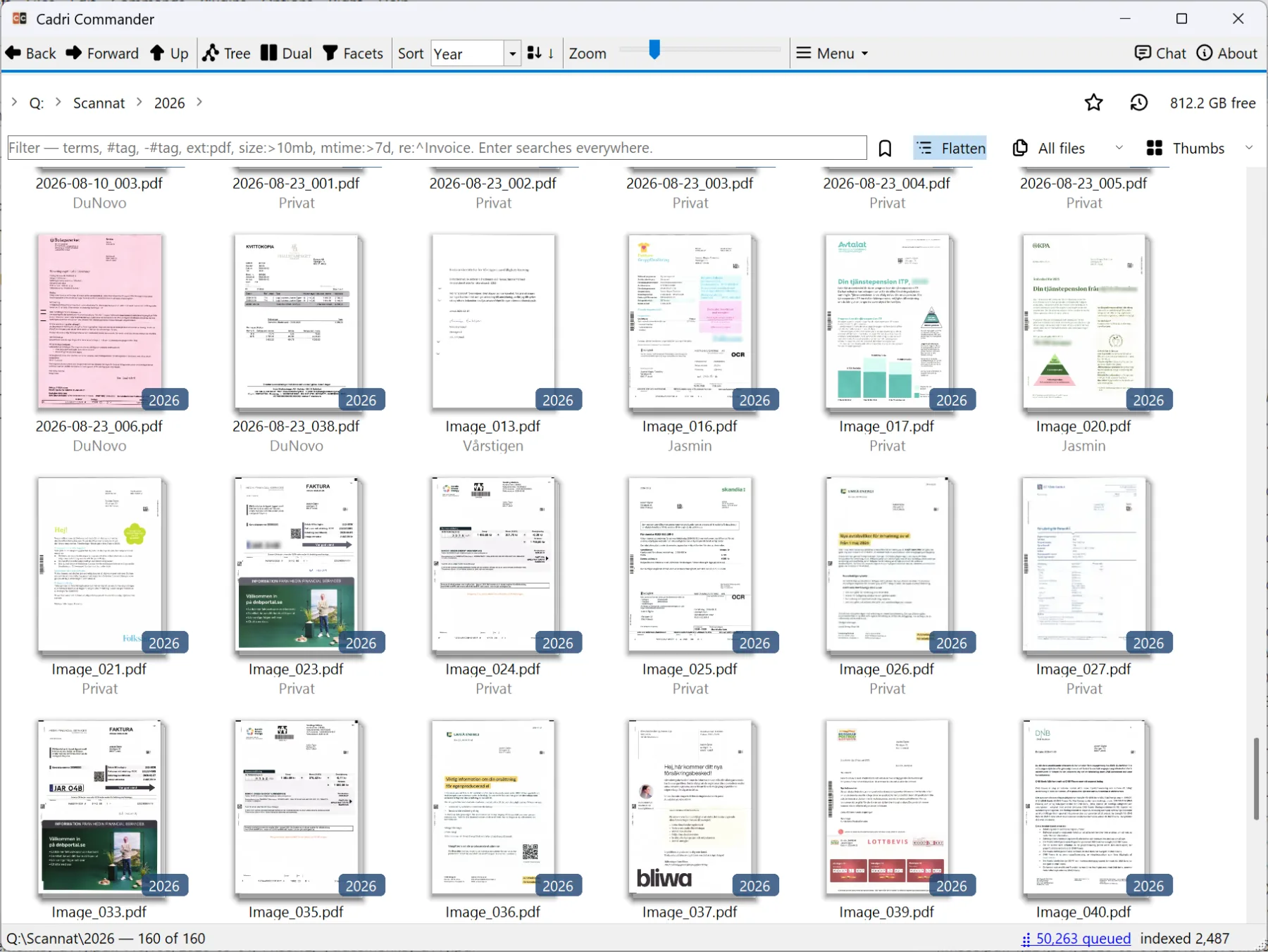
Read, search, mark up, reorder, split, merge, optimise with a visual check.
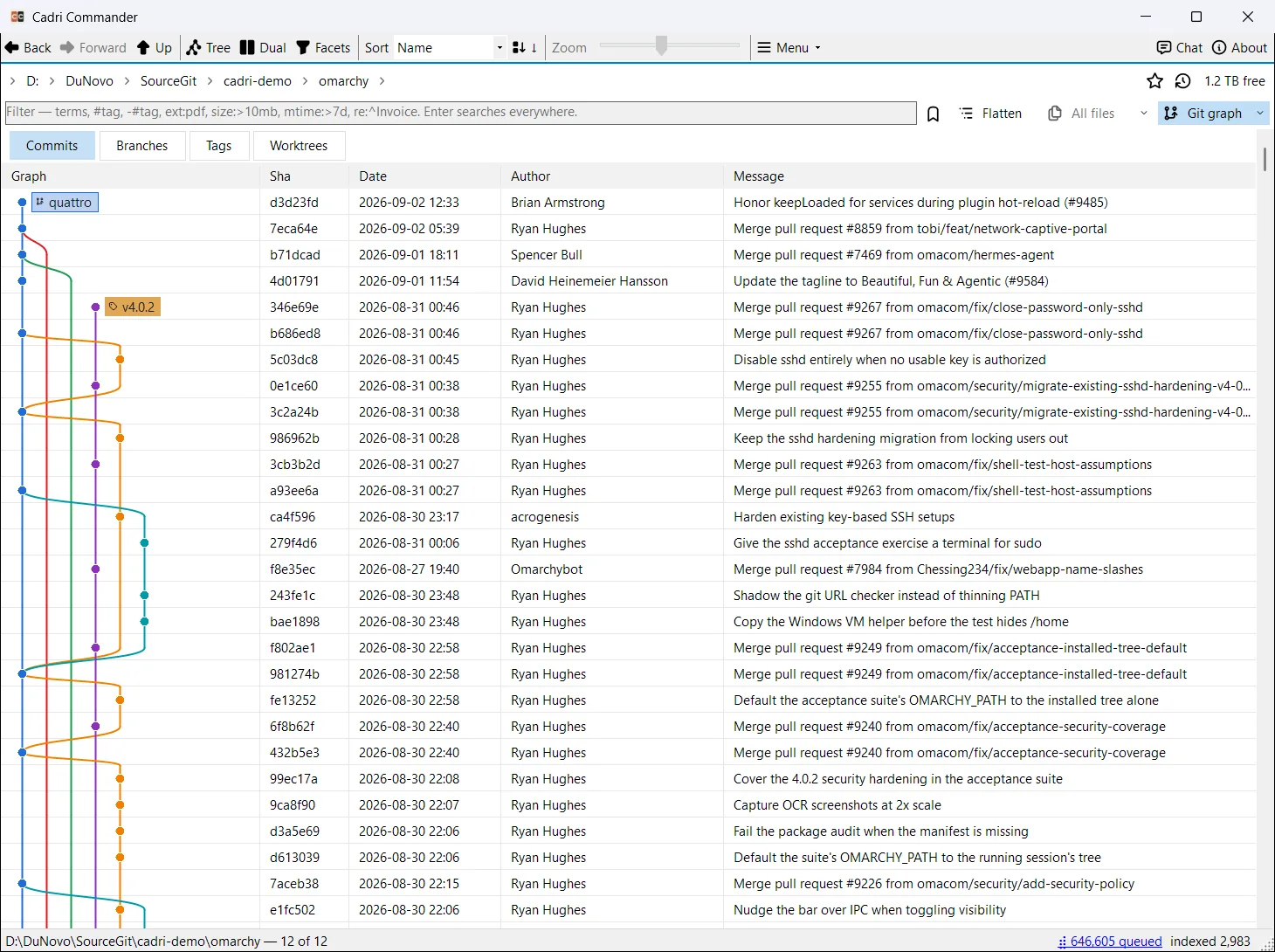
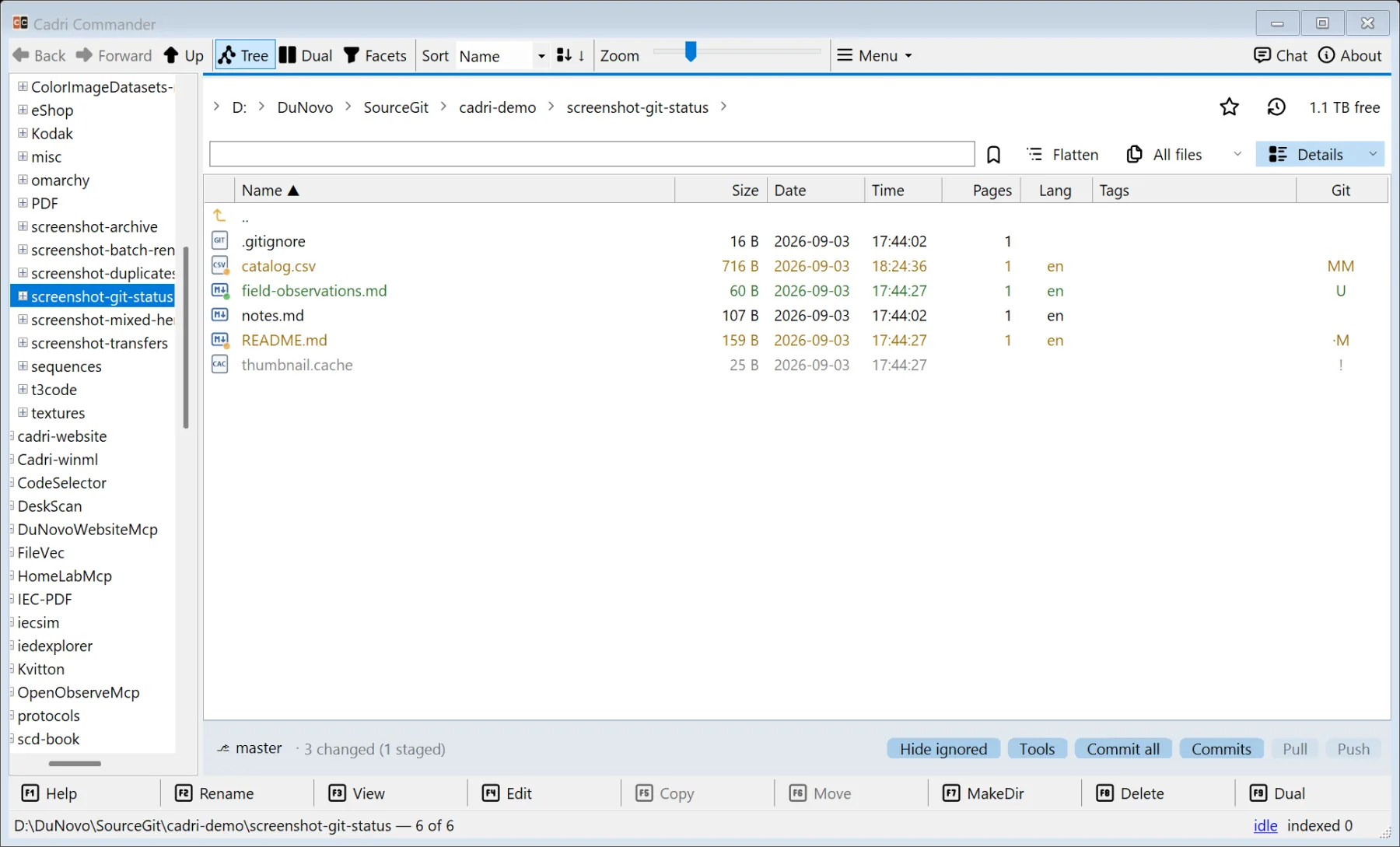
Its own view: lanes, merge curves, branch and tag chips, and a commit selected instead of a file. Status on every file in the listing; writes only on a click.
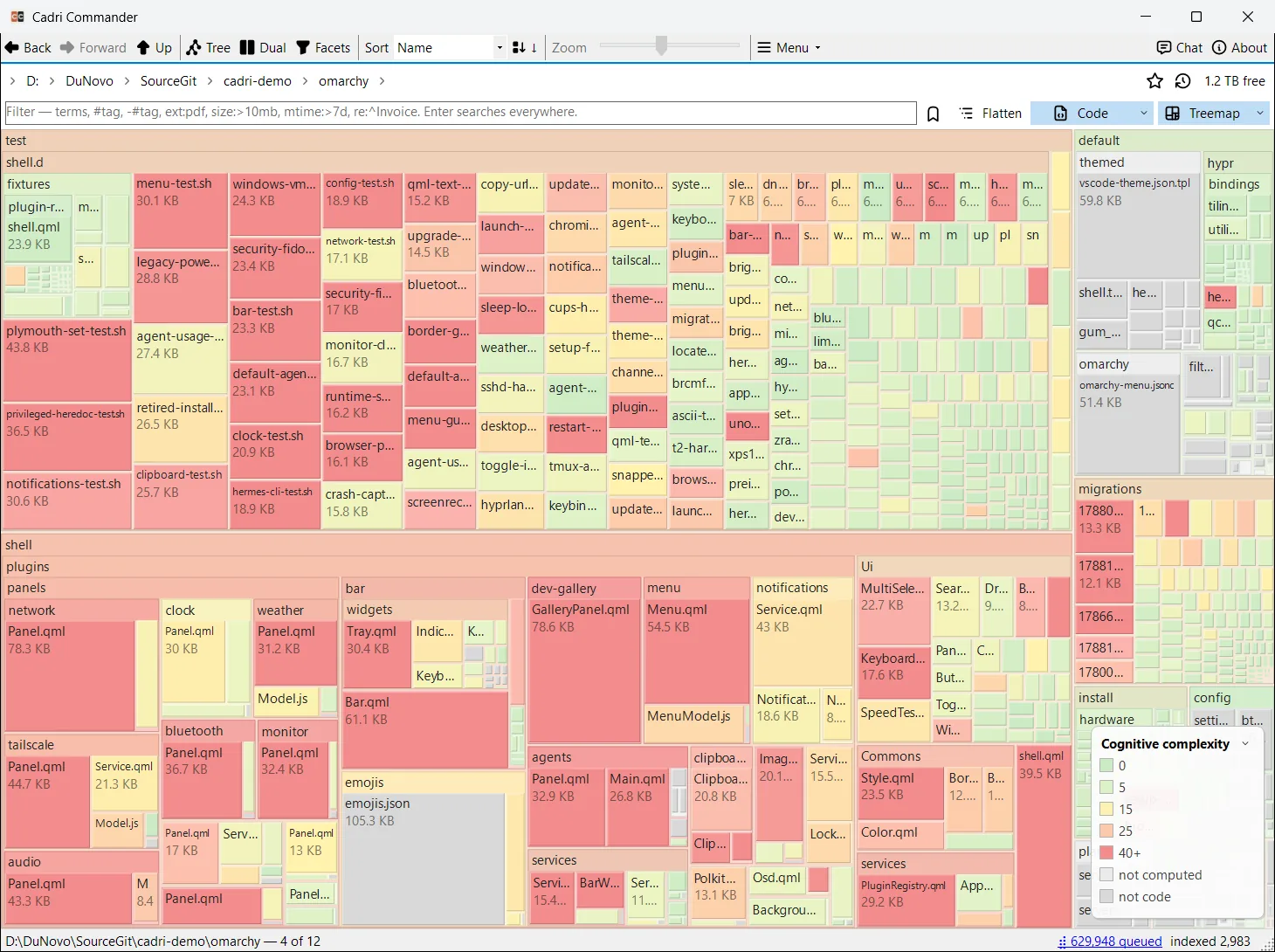
Treemap and Bubbles coloured by Cognitive Complexity, age, type, language, PDF class or Git status.
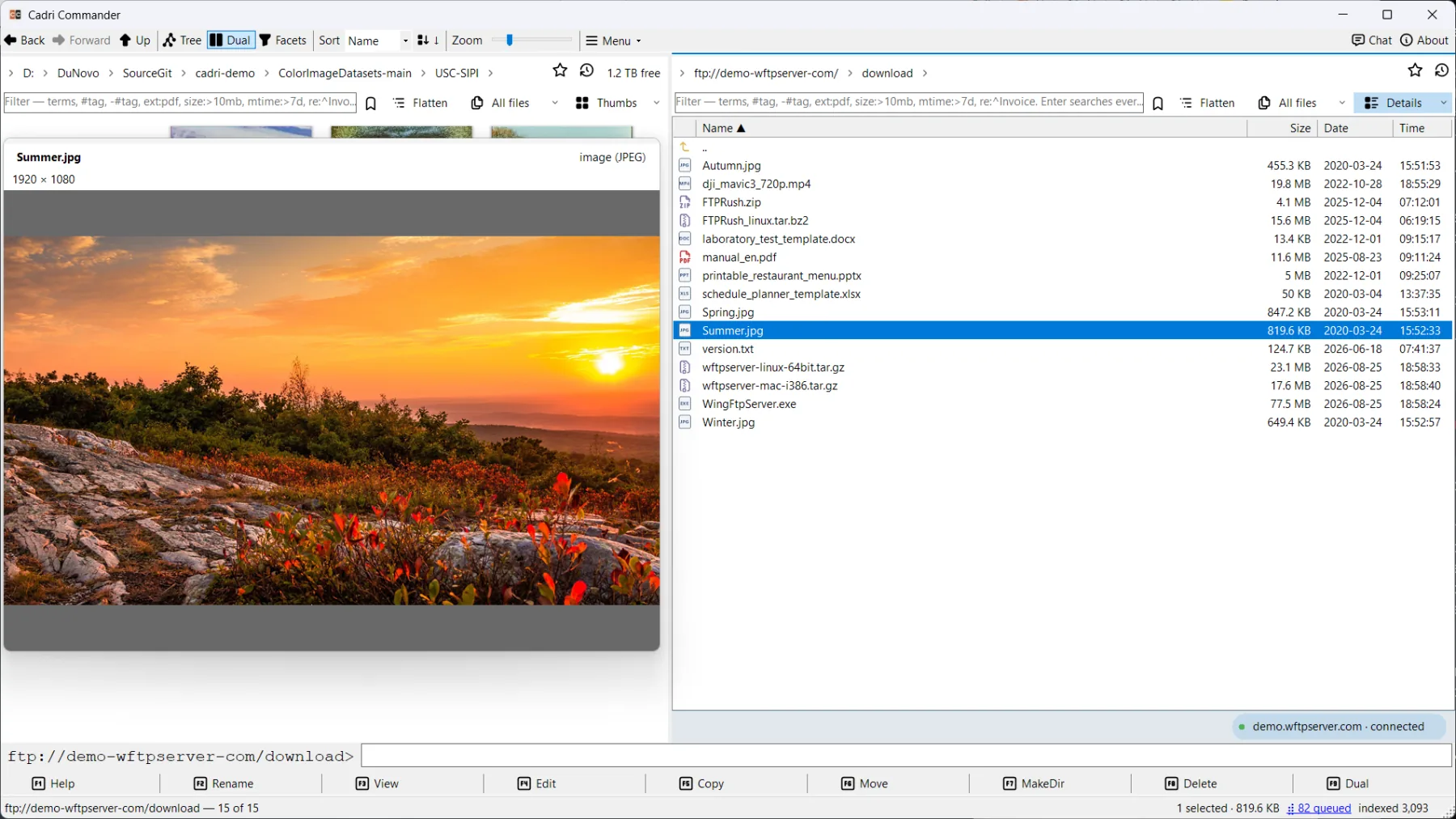
A photograph on an FTP server, a spreadsheet on WebDAV, an archive on S3: Quick view works wherever the bytes come from.
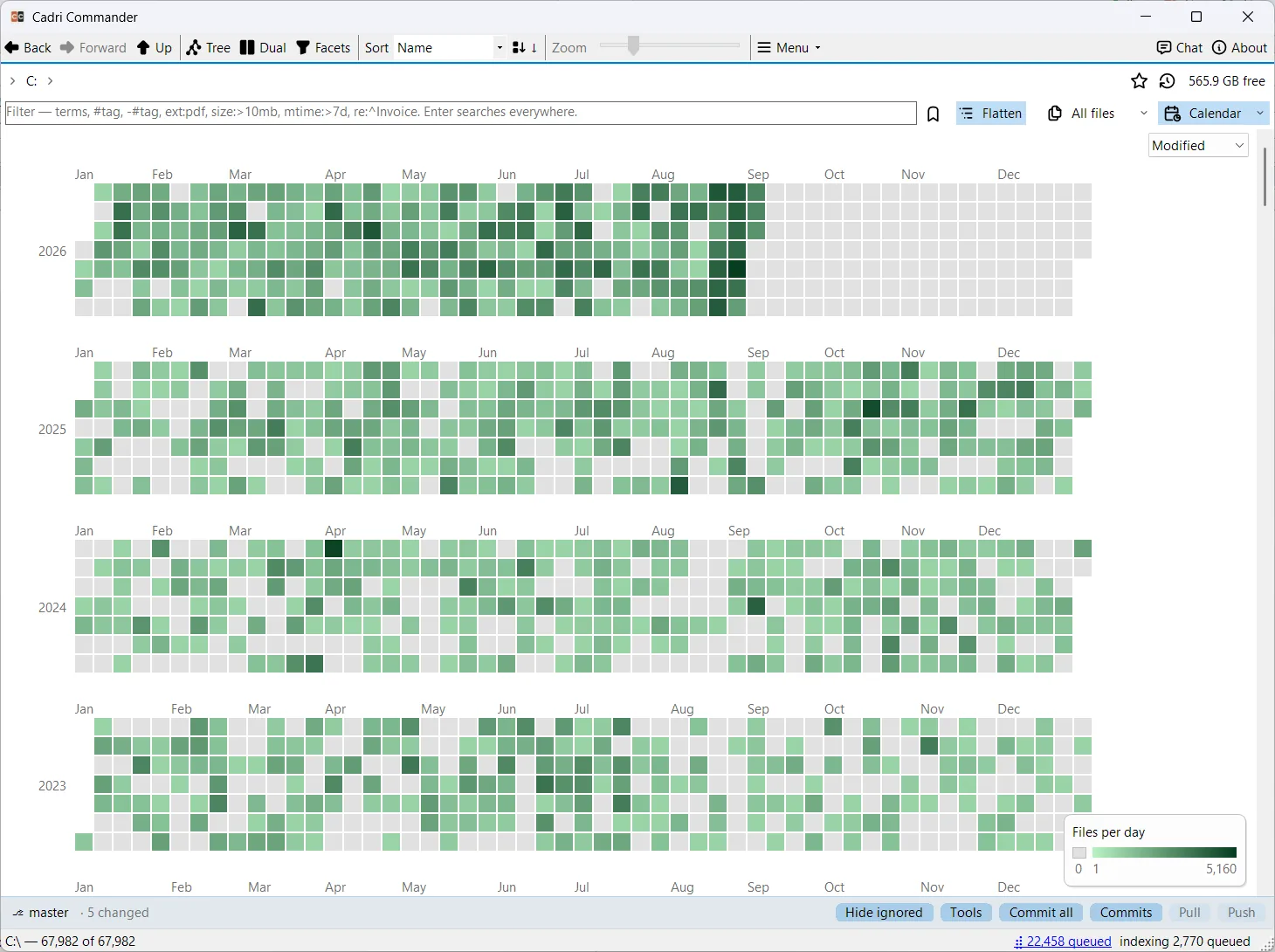
See your changes in a calendar heatmap. Calendar groups by modified, created, EXIF or commit date.
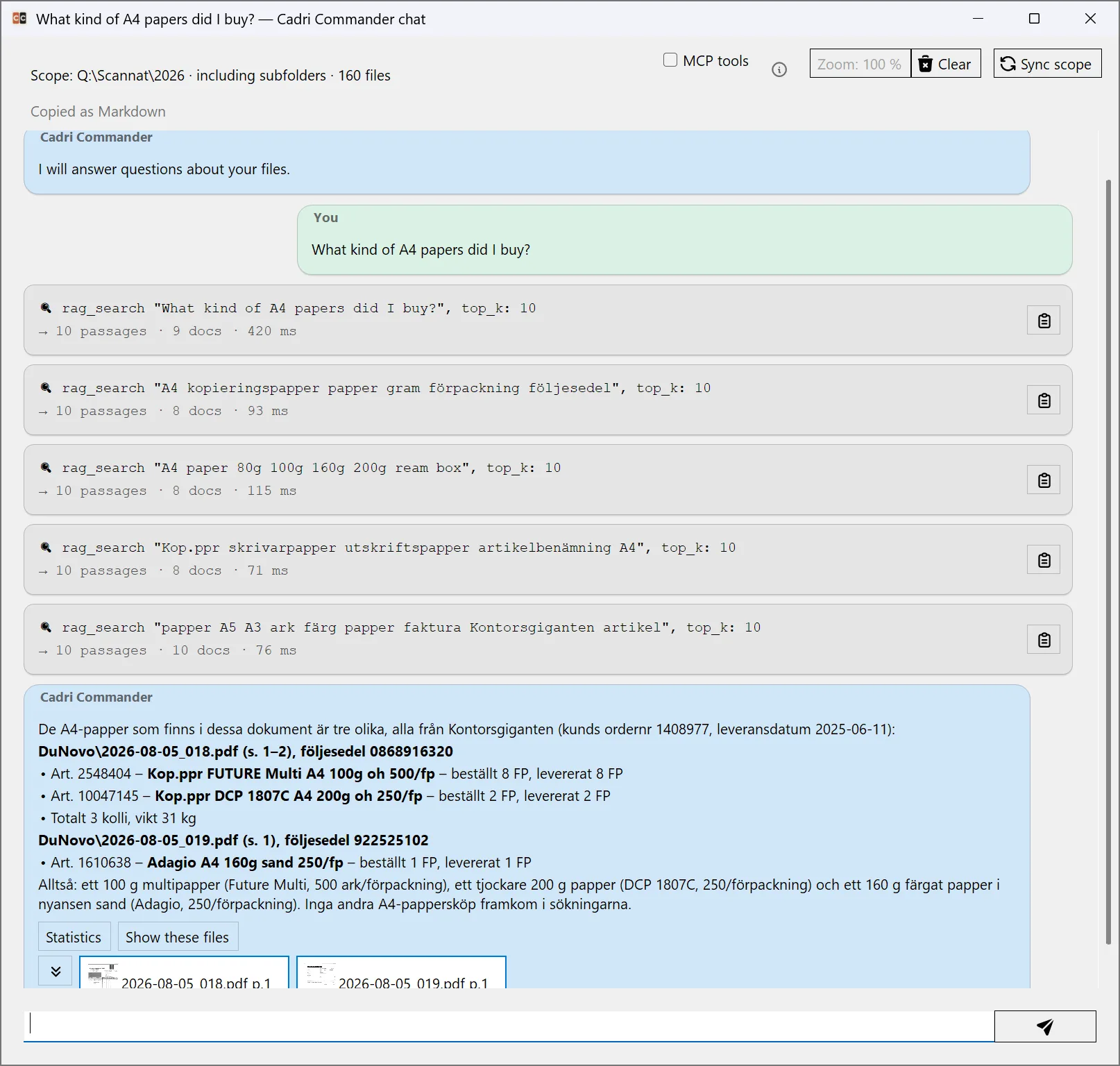
Optional. Ask the folders you allow a question and see every retrieval call and the files the answer links to. Off until you configure it.
Connections
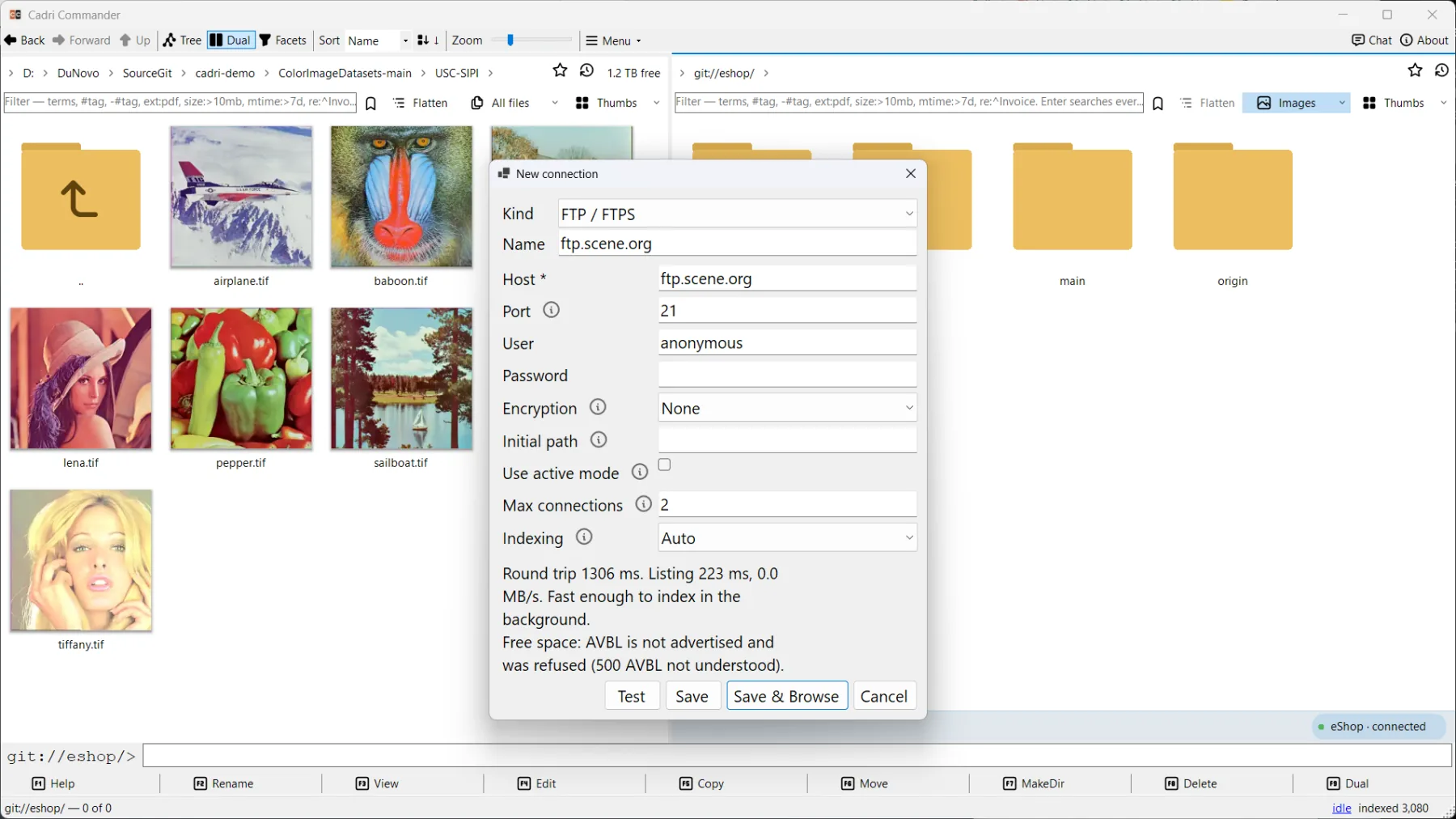
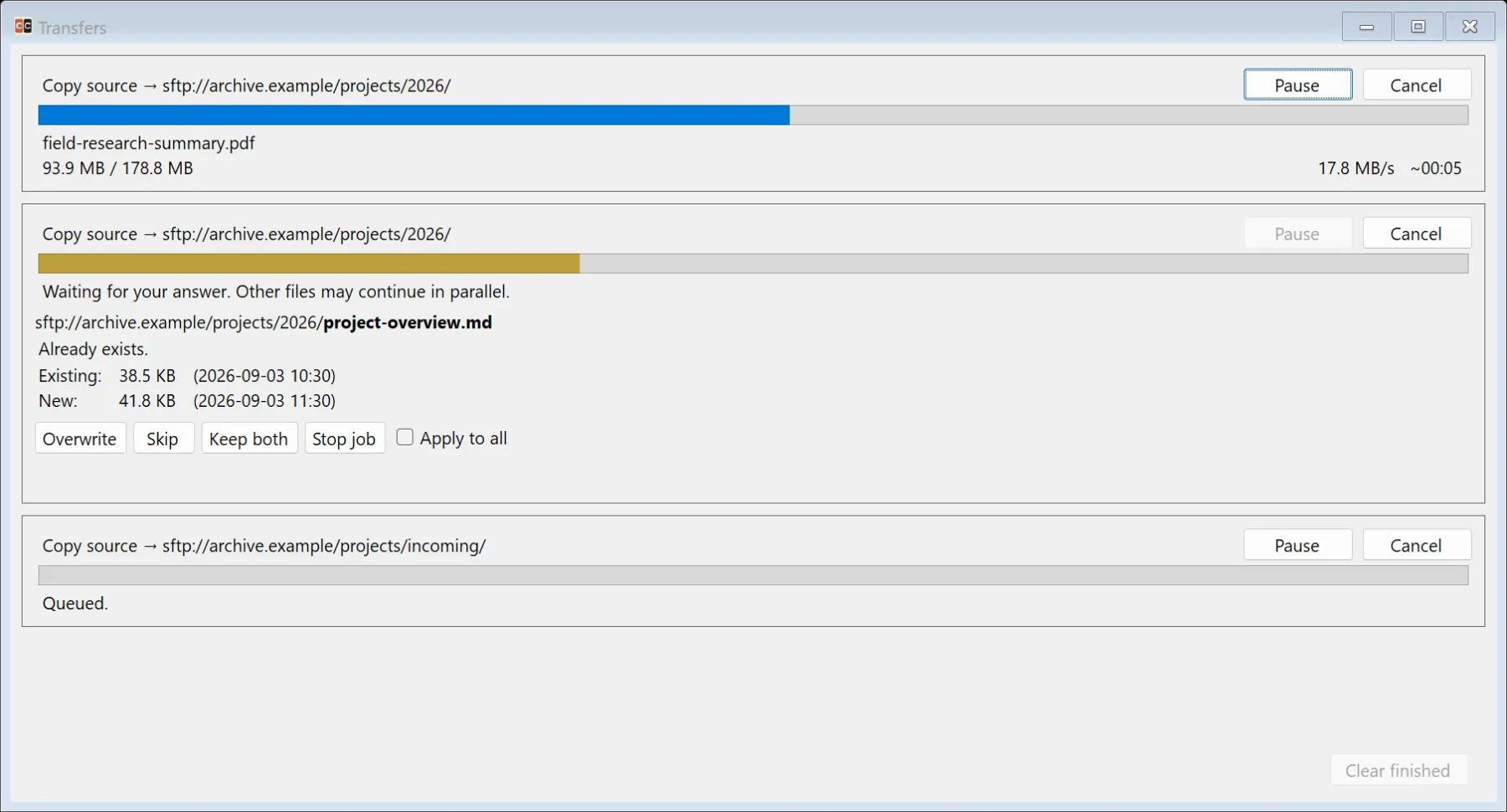
SMB, FTP, SFTP, WebDAV, NFS, S3, Azure Blob, Drime, OneDrive, Dropbox, phones and git:// revisions sit beside your local drives, with the same views, filters, Quick view and viewers. Test a connection before saving: the dialog reports round trip, listing time and whether the server can say how much space is free.
Documents
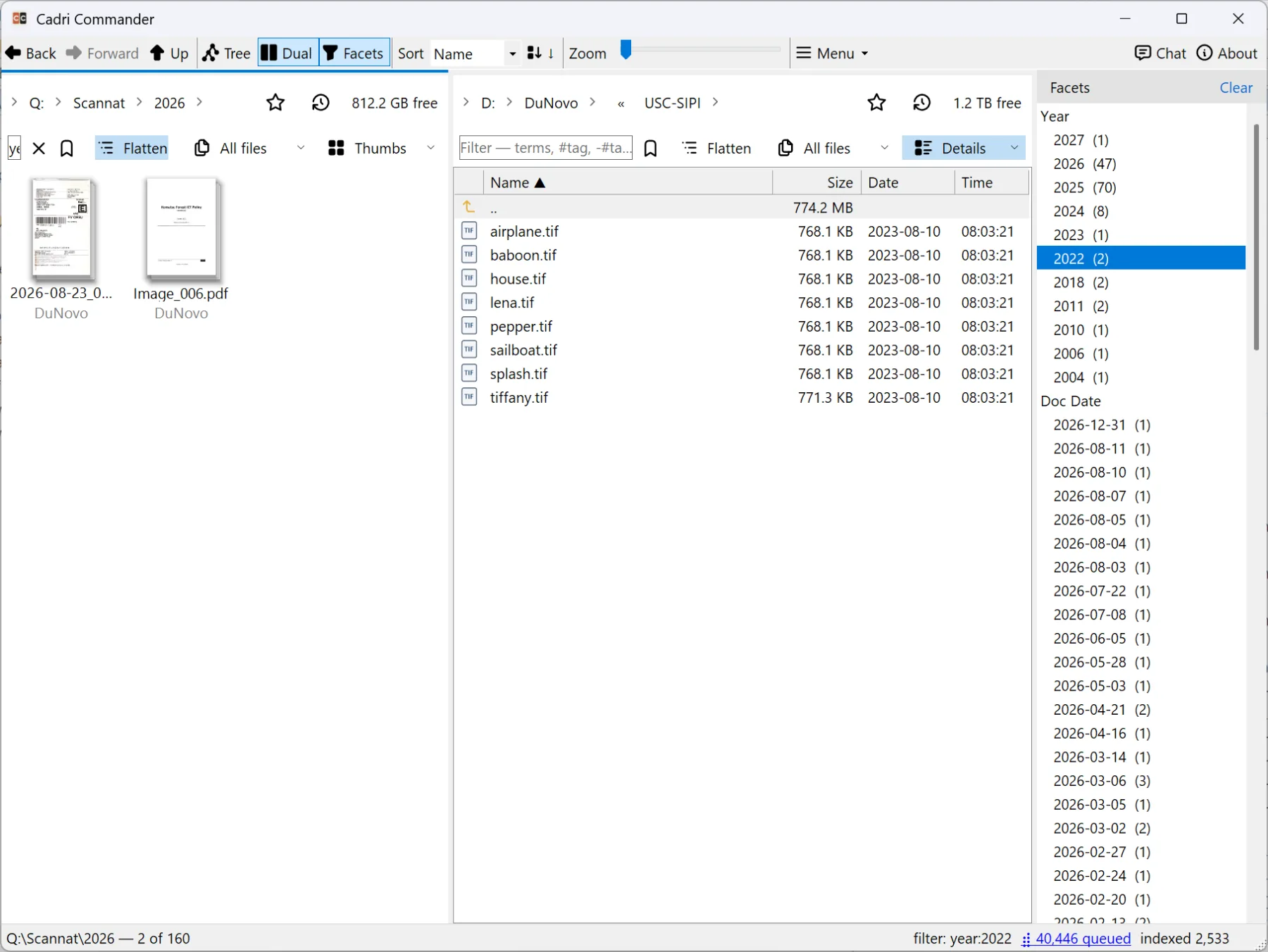
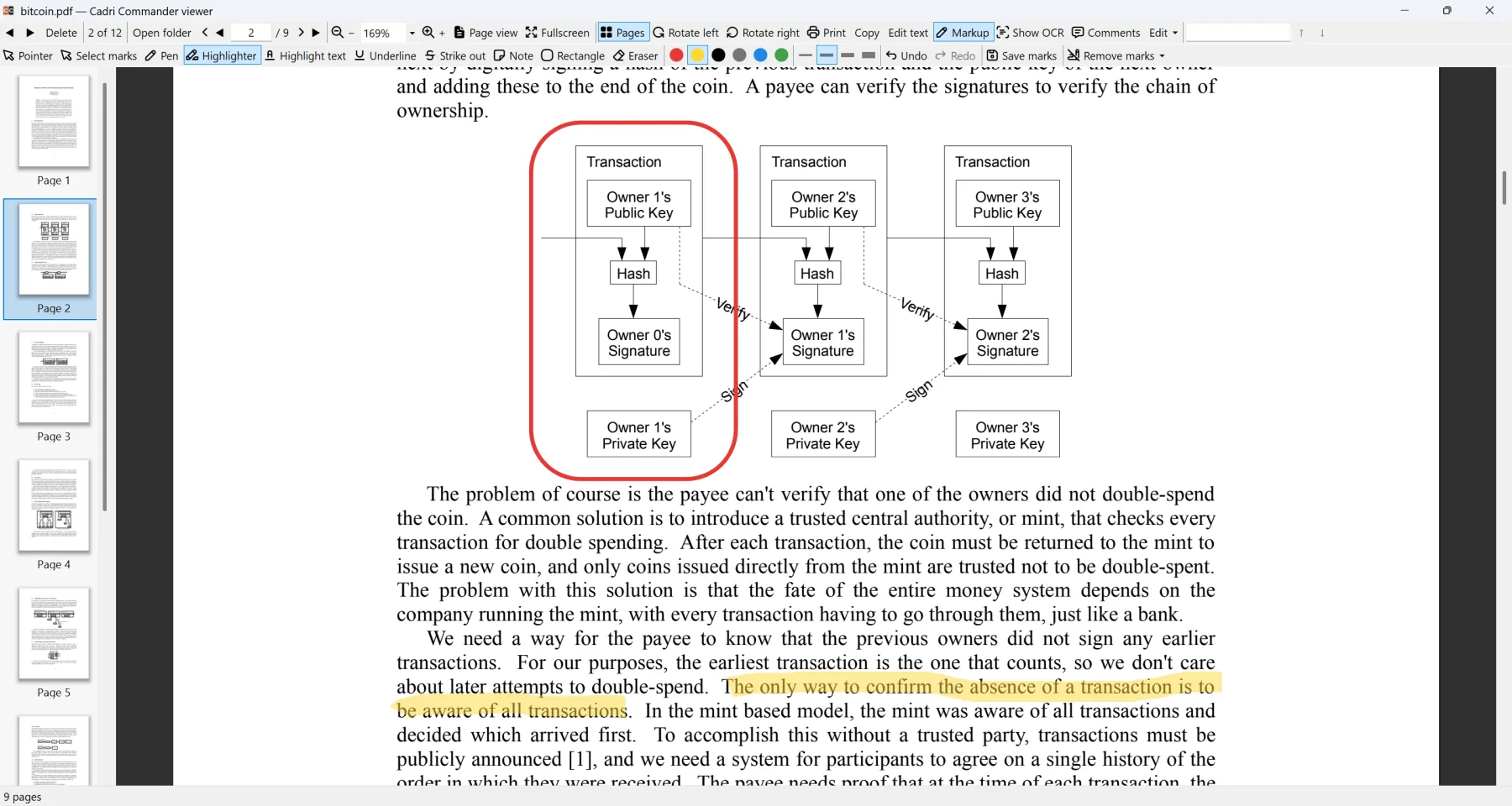
A PDF-heavy folder used to mean opening files until the right one appeared. Here every PDF shows its first page in the listing, sorts by the year printed inside it and filters by whether it is native, scanned or carries OCR. The viewer reads, the markup tools annotate, redact, edit. The page sidebar reorganises, and each destructive step is confirmed and backed up.
Markdown
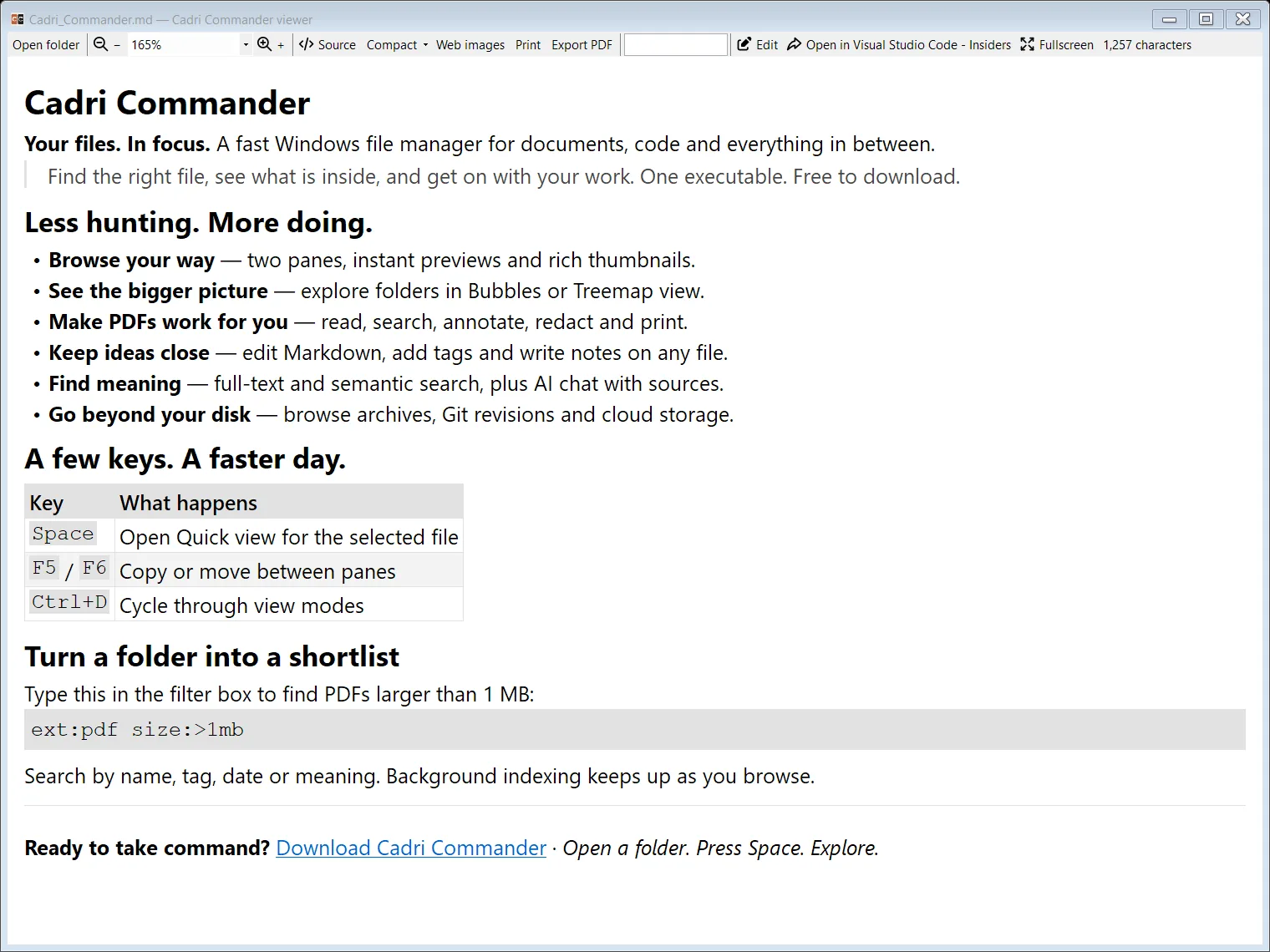
Press Space on a Markdown file and it is rendered before you can blink. In the viewer you can read, search and print it. Use editor to edit with preview/inline Markdown. Nothing to install, no preview handler, no browser engine: it all ships inside the executable and it is blazing fast.
Keyboard
The classic function-key workflow is on an optional command bar, and everything else has a chord. A searchable shortcut sheet and key hints are built in.
Optional AI
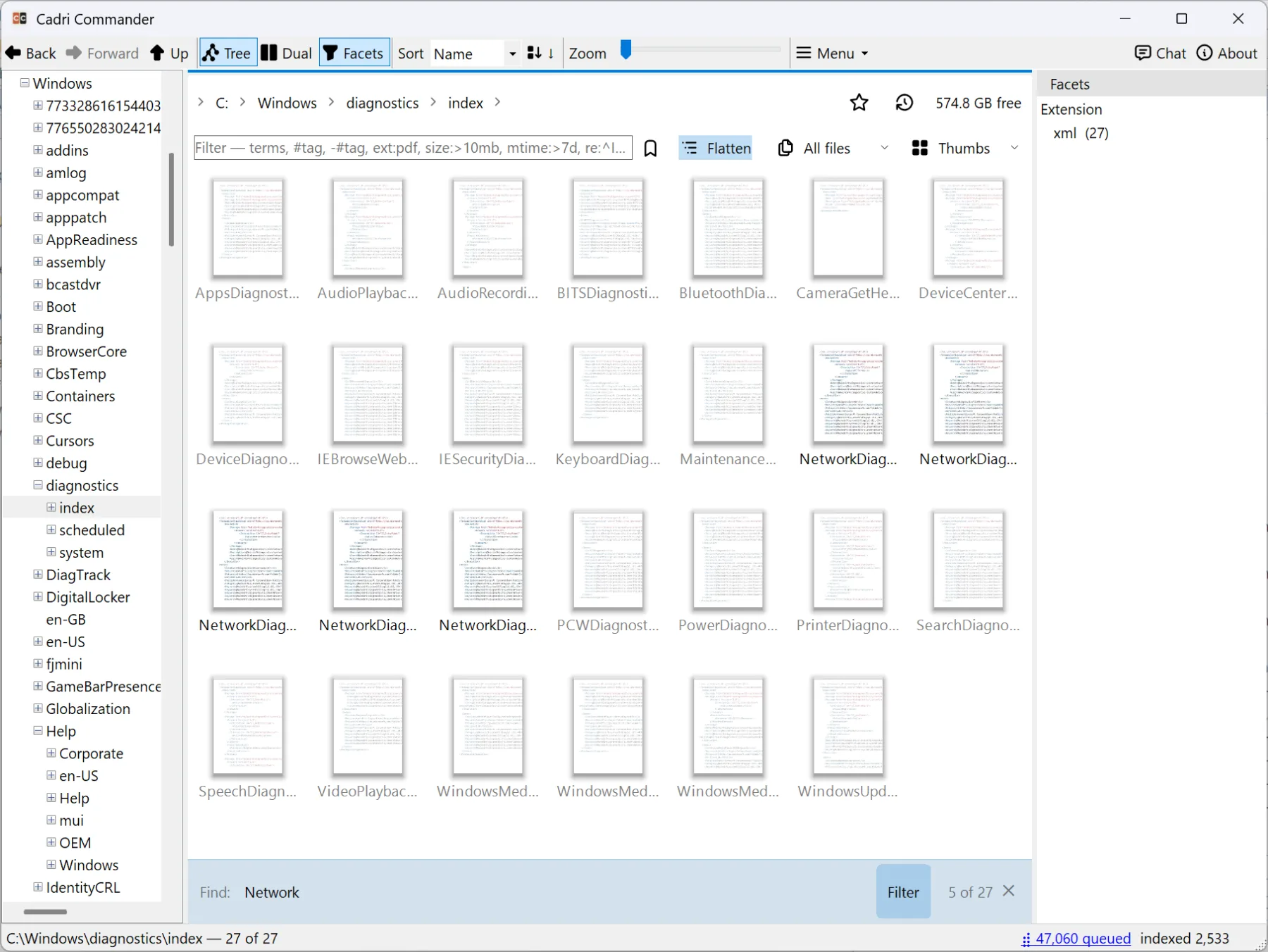
Cadri Commander indexes the folders you pick and can embed the eligible documents in them, so they become searchable by meaning, and a built-in retrieval engine answers questions from the files it finds. Each AI role, embedding, chat and reranking, is configured on its own: the internal models, a local Ollama server, OpenRouter, Neuralwatt or any OpenAI-compatible endpoint that serves that role. Everything stays off until you switch it on, and you choose which folders AI may read.
sem:"termination clause" finds the passages that mean it, not only the files that say it.